7 Signs Your Employee’s Computer Has Been Hacked (And What to Do Immediately)
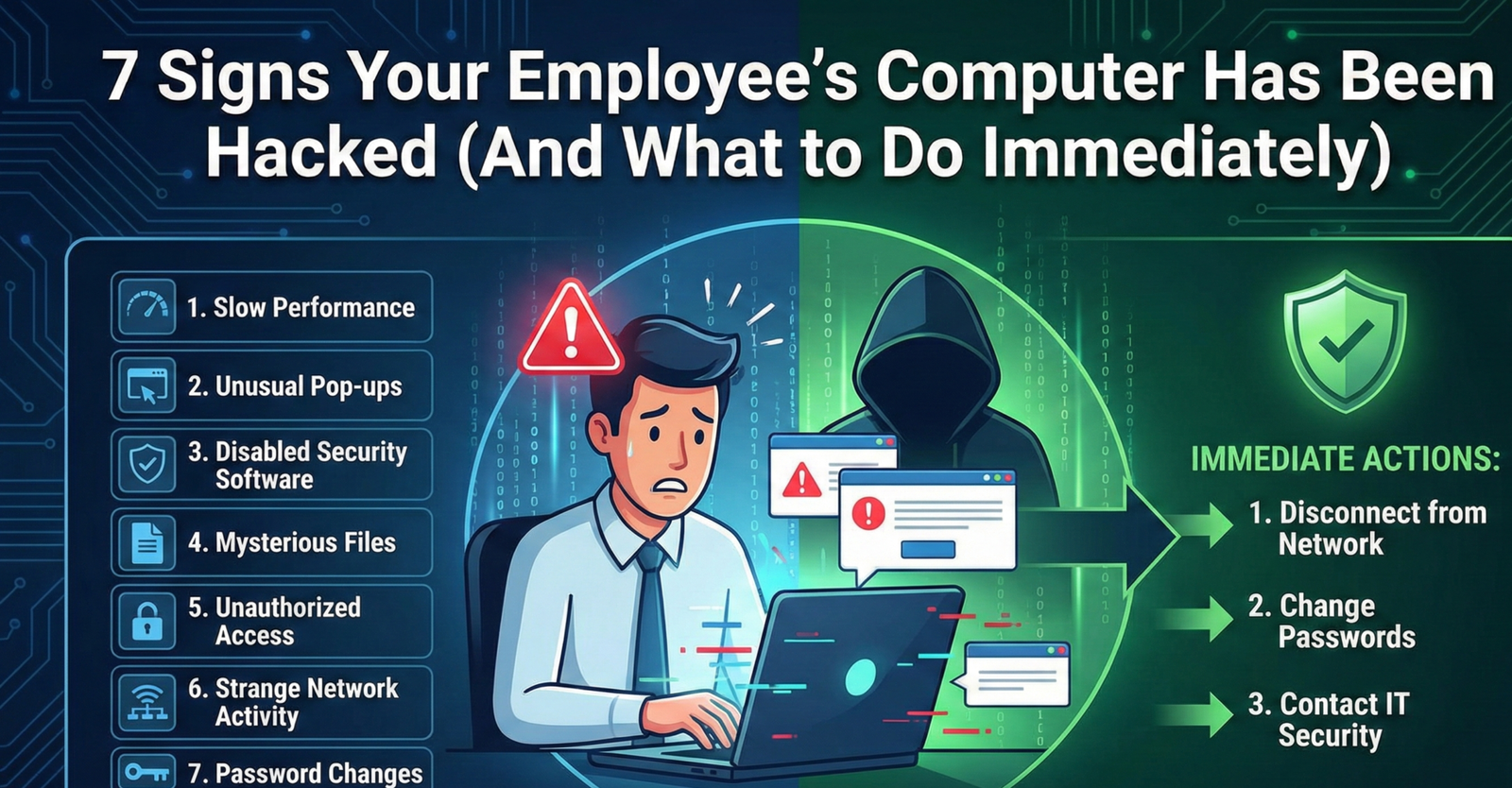
It usually starts with a complaint: “My computer is really slow today,” or “My mouse is acting weird.”
As a business owner or office manager, it’s easy to dismiss these as typical tech glitches. But often, these are the first red flags of a security breach. Hackers don’t always announce themselves with a scary “You’ve Been Hacked” screen immediately. They prefer to lurk in the background, stealing data or using your network to attack others.
Here are 7 critical signs that an employee’s device has been compromised, and the exact steps you need to take to protect your Toronto business.
1. The “Ghost” Mouse or Keyboard
If the mouse cursor moves on its own, programs open without being clicked, or text appears that wasn’t typed, this is a Remote Access Trojan (RAT). It means a hacker has remote control of the machine and is likely watching the screen in real-time.
2. Fake Antivirus Warnings
“WARNING: Your computer is infected! Click here to fix it.”
These pop-ups are a classic tactic called “scareware.” Paradoxically, seeing these messages usually means the computer is infected—not with the viruses the pop-up claims, but with the pop-up software itself. Clicking them usually installs deeper malware.
3. Constant Password Resets
If an employee reports that their password “stopped working” and they didn’t change it, a hacker may have changed it for them. This is a sign of credential harvesting, often the first step in a larger Business Email Compromise (BEC) attack.
4. The Fan is Running at Full Speed (When Idle)
If a computer sounds like a jet engine even when no programs are open, it might be infected with “cryptojacking” malware. Hackers use your employee’s hardware power to mine cryptocurrency in the background, slowing the machine to a crawl.
5. Browser Redirects & New Toolbars
When your employee searches on Google but lands on a weird search engine they’ve never heard of, or if their browser has new, unfamiliar toolbars at the top, they have been hit with a browser hijacker. These redirect traffic to malicious sites to steal data or generate ad revenue.
6. Disabled Security Software
Smart malware defends itself. If you try to open your antivirus or Task Manager and it immediately closes or says “disabled by administrator,” you have a sophisticated infection that has taken root-level control of the system.
7. Sent Items They Didn’t Write
If clients or coworkers reply to emails your employee claims they never sent, their email account is compromised. Hackers use breached accounts to send phishing links to your contact list because people trust emails coming from your domain.
Think You’ve Been Breached? Act Now.
Time is critical. Disconnect the infected computer from the internet immediately (unplug the cable or turn off Wi-Fi) to stop the spread. Do not reboot it, as this can destroy forensic evidence. Then, call a professional immediately.
Report a Security Incident