Denied Cyber Insurance? The 5-Step Checklist to Get Approved in Ontario
Three years ago, getting cyber insurance for your Toronto business was as easy as checking a box on your general liability form. You paid a small premium, and you were covered.
Those days are over.
With ransomware attacks skyrocketing by 150% in Canada last year, insurance providers are hemorrhaging money. In response, they have tightened their requirements dramatically. Today, if you cannot prove you have specific IT security controls in place, your application will be flat-out denied—or your premiums will triple.
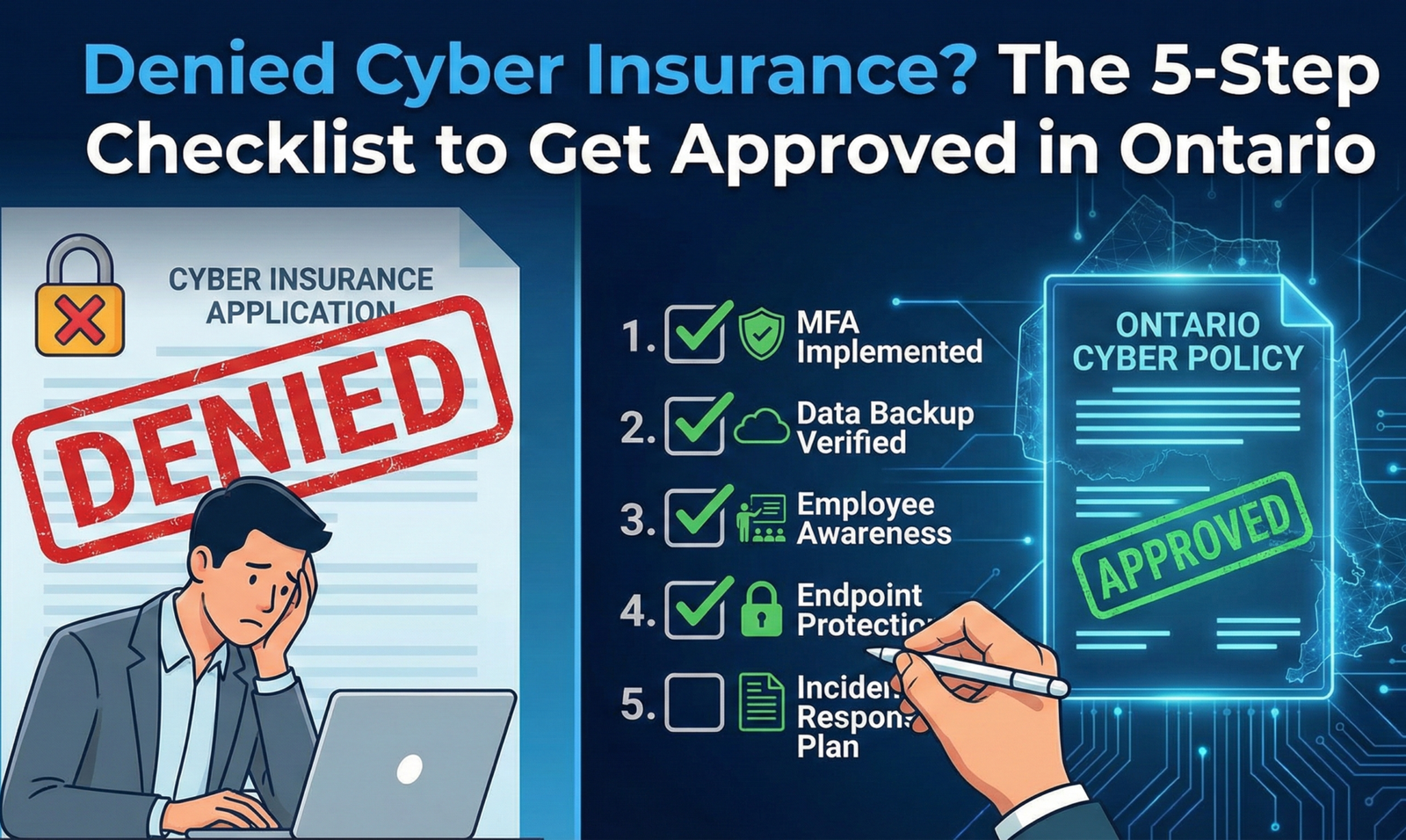
If you’ve received a confusing 10-page questionnaire from your broker, don’t panic. Here is the definitive 5-step checklist to ensure your Ontario business gets approved.
1. Multi-Factor Authentication (MFA) Everywhere
This is the new non-negotiable. If you check “No” on the MFA question, your application is likely going straight to the rejection pile.
Insurers now require MFA (the code sent to your phone) on:
- Email Accounts: All Office 365 or Google Workspace accounts.
- Remote Access: Any VPN or Remote Desktop connection.
- Admin Accounts: The accounts used to manage your network.
The Fix: Enable MFA on Microsoft 365 immediately. It’s free and included in your license.
2. Endpoint Detection & Response (EDR)
Traditional antivirus (like the free McAfee that came with your laptop) is no longer considered sufficient protection. Insurers know that modern hackers can easily bypass old antivirus software.
They want to see EDR (Endpoint Detection and Response). This acts like a flight recorder for your computers; it uses AI to spot suspicious behavior (like a file trying to encrypt your hard drive) and stops it instantly, even if it’s a brand-new virus.
3. Offline or “Air-Gapped” Backups
Ransomware has evolved. Modern attacks don’t just lock your files; they specifically hunt for your backups and delete them first so you can’t recover without paying.
Insurers require you to have an “immutable” or “air-gapped” backup. This means a copy of your data is stored in a way that cannot be modified or deleted, even if a hacker has full admin access to your network.
4. A Formal Incident Response Plan (IRP)
If you get hacked at 2:00 AM on a Saturday, who do you call? If your answer is “I don’t know,” you are a high risk.
You need a written document that outlines exactly what steps your team will take during a breach. This doesn’t need to be a novel, but it must list your legal counsel, your IT provider, your insurance hotline, and the steps to disconnect infected systems.
5. Employee Security Training
90% of breaches start with a human error—usually someone clicking a phishing link. Insurers want proof that you are actively training your staff to spot these scams.
Sending a memo once a year isn’t enough. You need automated, monthly phishing simulations that test your team and assign training videos to anyone who clicks the fake bad links.
Need Help Filling Out That Insurance Form?
Don’t guess on your application. Misrepresenting your security can void your policy when you need it most. We can review your questionnaire, implement the missing controls (like MFA and EDR), and get you qualified fast.
Book a Free Insurance Compliance Review